
What Is VPN? A Complete Beginner-Friendly Guide (2026)
A beginner-friendly guide to VPNs, online privacy, and security.
On this page
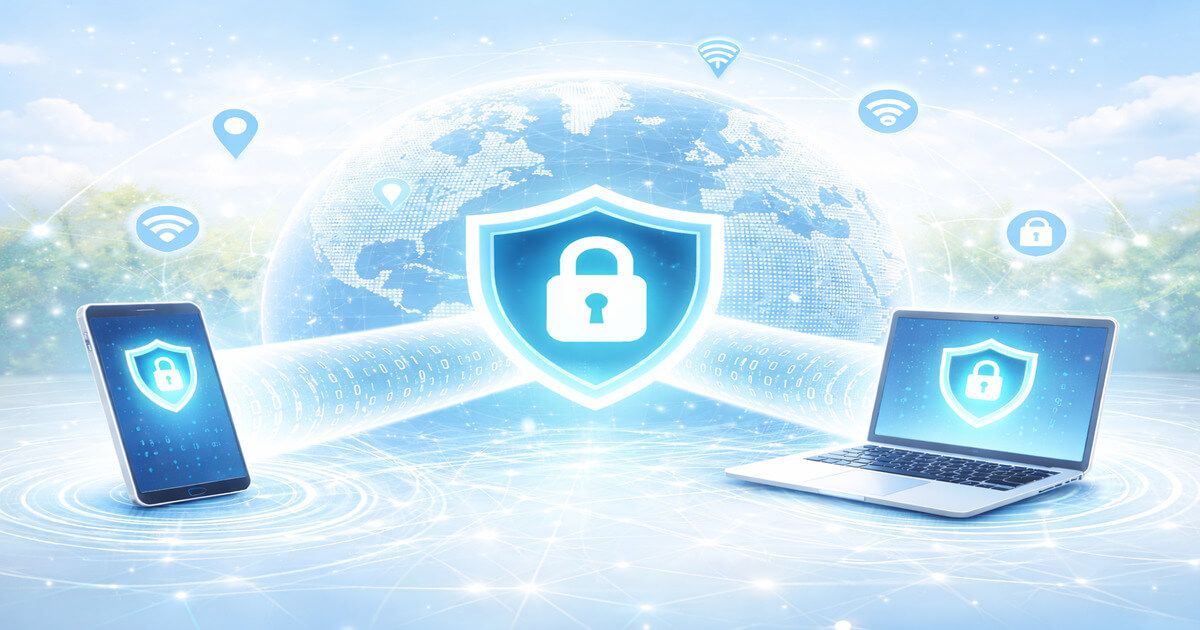
If you’re asking what is VPN, you’re already on the right path toward a safer and more open internet. In 2026, online tracking, data breaches, and content restrictions are more common than ever. A VPN helps protect your privacy, secure your connection, and unlock the full potential of the web.
This guide explains what a VPN is, how it works, why people use it, and how it fits into real-life activities like streaming, torrenting, and everyday browsing.
What Is VPN and What Does It Stand For?
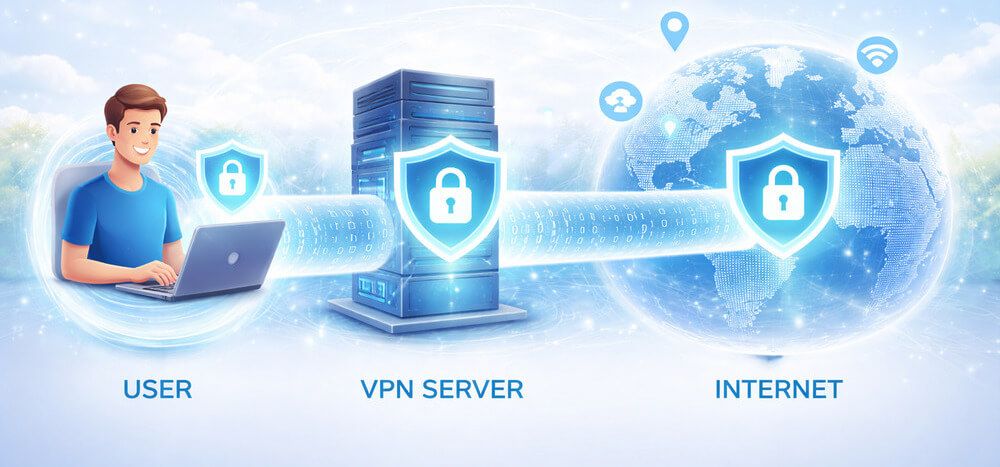
VPN stands for Virtual Private Network. At its core, a VPN creates a private, encrypted connection between your device and the internet.
In simple terms:
A VPN hides your real IP address and encrypts your internet traffic so no one can easily track or spy on you.
Instead of connecting directly to a website or app, your traffic passes through a secure VPN server first. This keeps your identity and data protected.
How Does a VPN Work? (Simple Explanation)
Understanding what a VPN is becomes much easier when you see how it works step by step.
How a VPN Connection Works
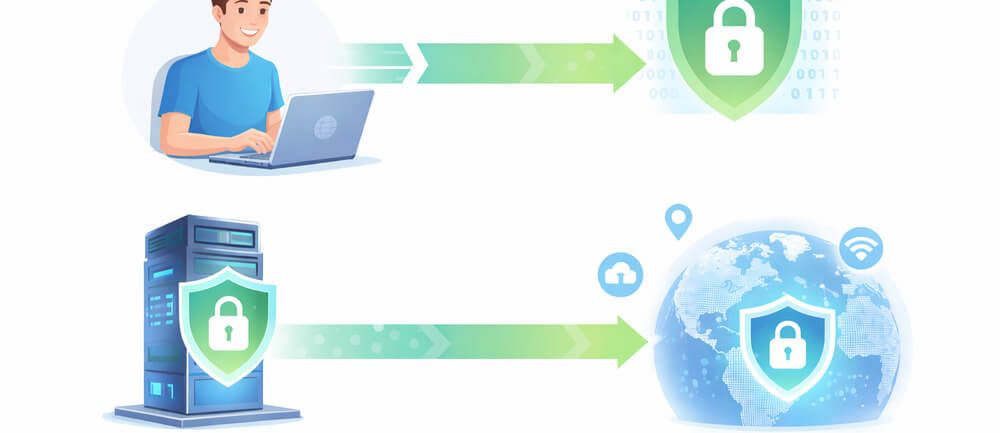
- You connect to a VPN app on your device
- The VPN encrypts your internet data
- Your traffic is routed through a secure VPN server
- Websites see the VPN server’s IP address, not yours
This process protects your data from hackers, internet service providers, and online trackers.
Why Encryption Matters
VPNs use strong encryption standards such as AES-256. Even if someone intercepts your data, it appears as unreadable code 🔐.
What Is VPN Used For in 2026?
Today, people don’t just ask what is VPN — they ask why should I use one? Here are the most common reasons.
1. Online Privacy and Anonymity
A VPN helps prevent:
- ISPs from tracking browsing habits
- Advertisers from profiling users
- Hackers from spying on unsecured connections
Your online activity stays private.
2. Streaming Without Restrictions
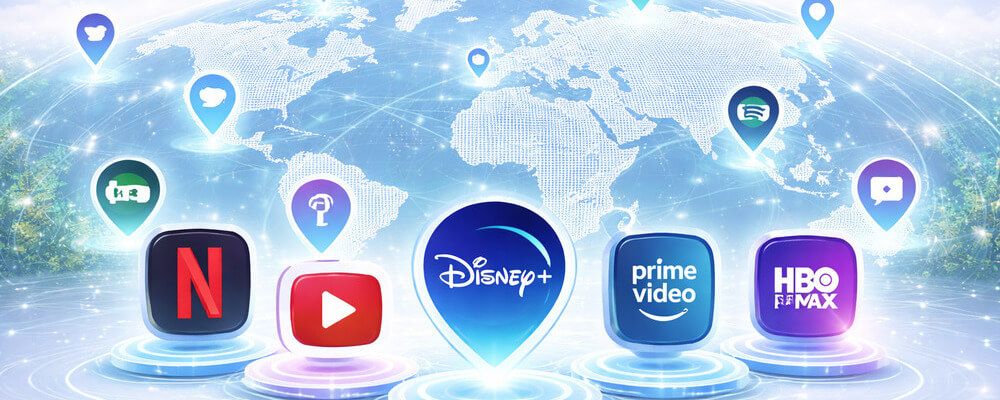
Many users rely on VPNs to access global content libraries on platforms like Netflix, Disney+, and BBC iPlayer.
👉 Learn more in our guide to the
Best VPN for Streaming
3. Torrenting and P2P Safety
Torrenting and other P2P activities can expose your real IP address to ISPs, copyright monitoring agencies, and even malicious peers in the same swarm. Without protection, your online activity is fully visible and traceable.
A VPN adds a critical layer of security by:
- Hiding your real IP address from other peers
- Encrypting P2P traffic, so your ISP can’t see what you download
- Helping avoid bandwidth throttling often applied to torrent traffic
- Reducing the risk of copyright notices or DMCA warnings
However, not all VPNs are suitable for torrenting. Many providers:
- Block P2P traffic entirely
- Log user activity
- Lack essential features like a kill switch or port forwarding
To stay safe, you need a VPN that explicitly supports torrenting, offers strong no-logs policies, and maintains fast, stable speeds for large file transfers.
👉 See our detailed comparison of the
Best VPN for Torrenting
4. Public Wi-Fi Security
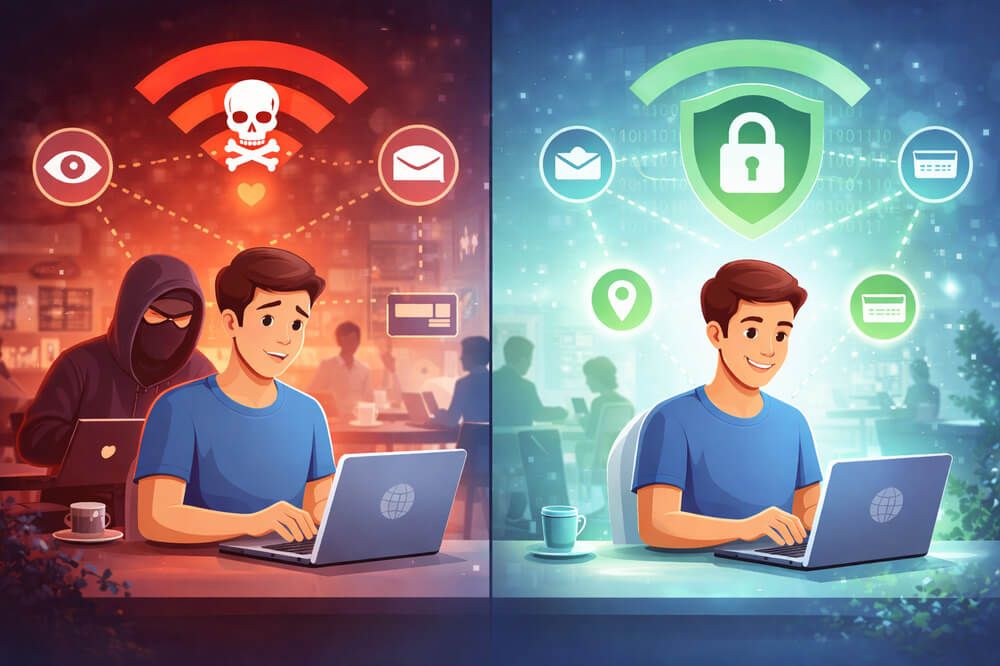
Public Wi-Fi in cafés, airports, and hotels is risky. A VPN encrypts your data so attackers can’t steal passwords or personal information.
For full-home protection, many users install a VPN directly on their router. This way, all devices — including smart TVs, consoles, and IoT devices — are protected automatically.
👉 Step-by-step guide:
How to Install VPN on a Router
Types of VPNs Explained
VPNs come in different forms, each designed for specific use cases. Understanding these types will help you choose the right VPN solution for your needs — whether you’re protecting personal privacy or securing an entire corporate network.
Personal VPN (Consumer VPN)
A personal VPN is the most common type and is designed for individual users. It routes your internet traffic through a secure VPN server, masking your IP address and encrypting your data.
Best used for:
- Protecting online privacy and anonymity
- Safe browsing on public Wi-Fi (cafes, airports, hotels)
- Streaming geo-restricted content
- Torrenting and P2P file sharing
Personal VPNs are easy to use, work across multiple devices, and are ideal for everyday internet activity.
Remote Access VPN
A remote access VPN is primarily used by employees to securely connect to a private company network from outside the office. It creates an encrypted tunnel between the user’s device and the corporate infrastructure.
Best used for:
- Remote work and hybrid teams
- Accessing internal company tools and databases
- Securing sensitive business data over the internet
This type of VPN is commonly deployed by companies to ensure secure access for staff working from home or traveling.
Site-to-Site VPN
A site-to-site VPN connects entire networks to each other rather than individual users. It is typically used by large organizations with multiple office locations.
Best used for:
- Connecting branch offices to a central headquarters
- Secure data exchange between corporate networks
- Managing large-scale enterprise infrastructure
Once configured, a site-to-site VPN works automatically in the background, allowing seamless and secure communication between networks.
Is Using a VPN Legal?
A common question after learning what a VPN is: is it legal?
- ✅ VPNs are legal in most countries (US, UK, Canada, EU)
- ⚠️ Some regions restrict or regulate VPN usage
Using a VPN for privacy and security is legal. Illegal activities remain illegal, even with a VPN.
Free VPNs vs Paid VPNs
When choosing a VPN, one of the most common questions is whether a free VPN is enough or if a paid VPN is worth the investment. While both options provide basic VPN functionality, the differences in performance, privacy, and reliability are significant.
Free VPNs
Free VPNs can be useful for very light or occasional use, but they come with serious limitations that users should be aware of.
Common limitations of free VPNs:
- Limited speeds and data caps, often restricting usage to a few hundred MB per day or month
- Fewer server locations, which can lead to overcrowded servers and slow connections
- Weak or inconsistent security features, sometimes missing essential protections like a kill switch
- Logging user activity, with some providers monetizing data through ads or third-party tracking
- Poor performance for streaming and torrenting, with most platforms blocking free VPN IPs
Free VPNs may be acceptable for basic tasks like checking email on public Wi-Fi, but they are generally not suitable for privacy-focused users.
👉 See our updated list of
Best Free VPNs
Paid VPNs
Paid VPN services offer a much higher level of performance, security, and reliability. They are designed for users who value privacy and need consistent access to global content.
Key advantages of paid VPNs:
- Faster speeds with optimized servers for streaming, gaming, and downloads
- Stronger encryption and security protocols, including kill switches and DNS leak protection
- Large server networks across dozens of countries
- Reliable access to streaming platforms like Netflix, Disney+, and Amazon Prime Video
- Strict no-logs policies, often independently audited
- Dedicated customer support and regular security updates
For anyone who uses a VPN regularly — especially for streaming, torrenting, or privacy protection — a paid VPN is the safer and more reliable choice.
How to Choose the Right VPN
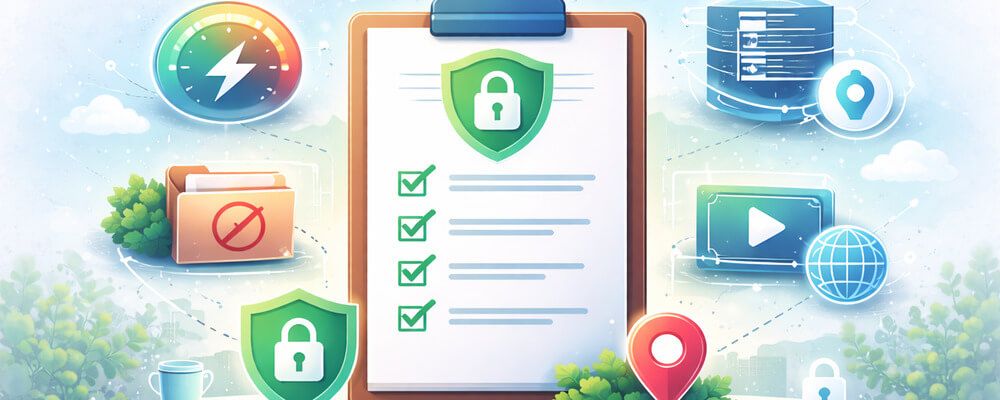
After understanding what a VPN is, look for these key features:
- Strict no-logs policy
- Strong encryption
- Fast global servers
- Streaming and torrenting support
- Apps for multiple devices
👉 For a trusted premium option, read our detailed
NordVPN Review
Frequently Asked Questions About What Is VPN
Q1: What is VPN in simple terms? A VPN is a tool that protects your privacy by hiding your identity online.
Q2: Is a VPN worth using in 2026? Yes. Online tracking and cyber threats continue to increase every year.
Q3: Does a VPN slow down internet speed? High-quality VPNs minimize speed loss and are usually barely noticeable.
Q4: Can I use a VPN on my phone? Yes, VPNs work on smartphones, tablets, laptops, and smart TVs.
Q5: What is VPN used for streaming? It helps bypass geo-blocks and access international content libraries.
Q6: Can a VPN make me anonymous? A VPN greatly improves privacy but doesn’t guarantee total anonymity.
Q1: What is VPN in simple terms? A VPN is a tool that protects your privacy by hiding your identity online.
Q2: Is a VPN worth using in 2026? Yes. Online tracking and cyber threats continue to increase every year.
Q3: Does a VPN slow down internet speed? High-quality VPNs minimize speed loss and are usually barely noticeable.
Q4: Can I use a VPN on my phone? Yes, VPNs work on smartphones, tablets, laptops, and smart TVs.
Q5: What is VPN used for streaming? It helps bypass geo-blocks and access international content libraries.
Q6: Can a VPN make me anonymous? A VPN greatly improves privacy but doesn’t guarantee total anonymity.
Conclusion: What Is VPN and Do You Need One?
Now that you clearly understand what a VPN is, the answer is simple: a VPN is one of the most useful tools for modern internet users. Whether you care about privacy, security, streaming, or safe torrenting, a VPN gives you control over your online experience.
In 2026, staying safe and unrestricted online starts with using a reliable VPN.